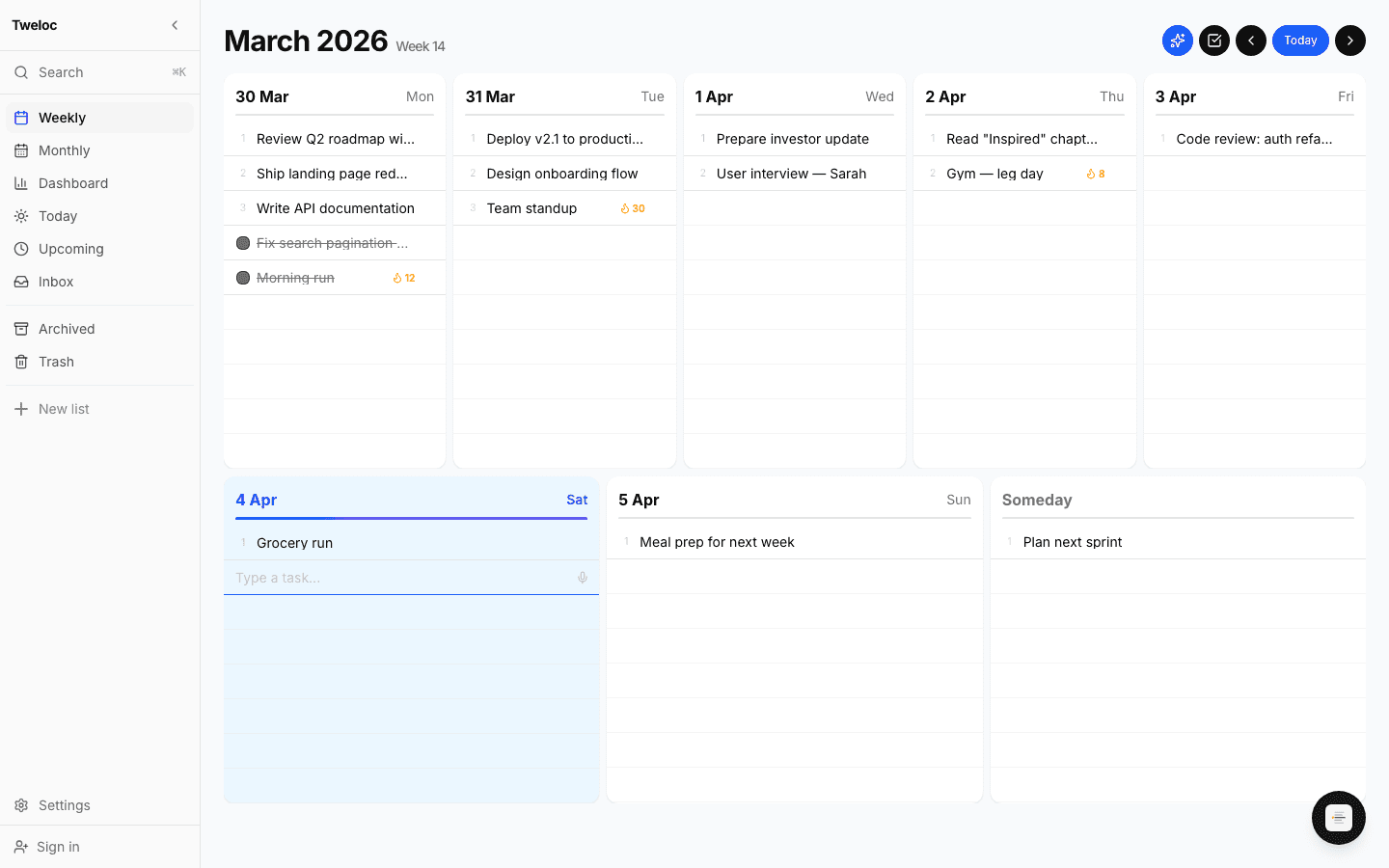
Weekly planner
Your whole week on one screen. Drag tasks between days, plan with clarity.
Focus mode
One click drops you into a full-screen, distraction-free checklist.
Monthly calendar
Zoom out to spot patterns, deadlines, and free days at a glance.
Streaks & recurring
Daily and weekly recurring goals. Track your streak, never break the chain.
Voice capture
Speak your tasks. Ideas land in your inbox the moment they hit.
Auto-plan
One button distributes your inbox across the week by priority and workload.
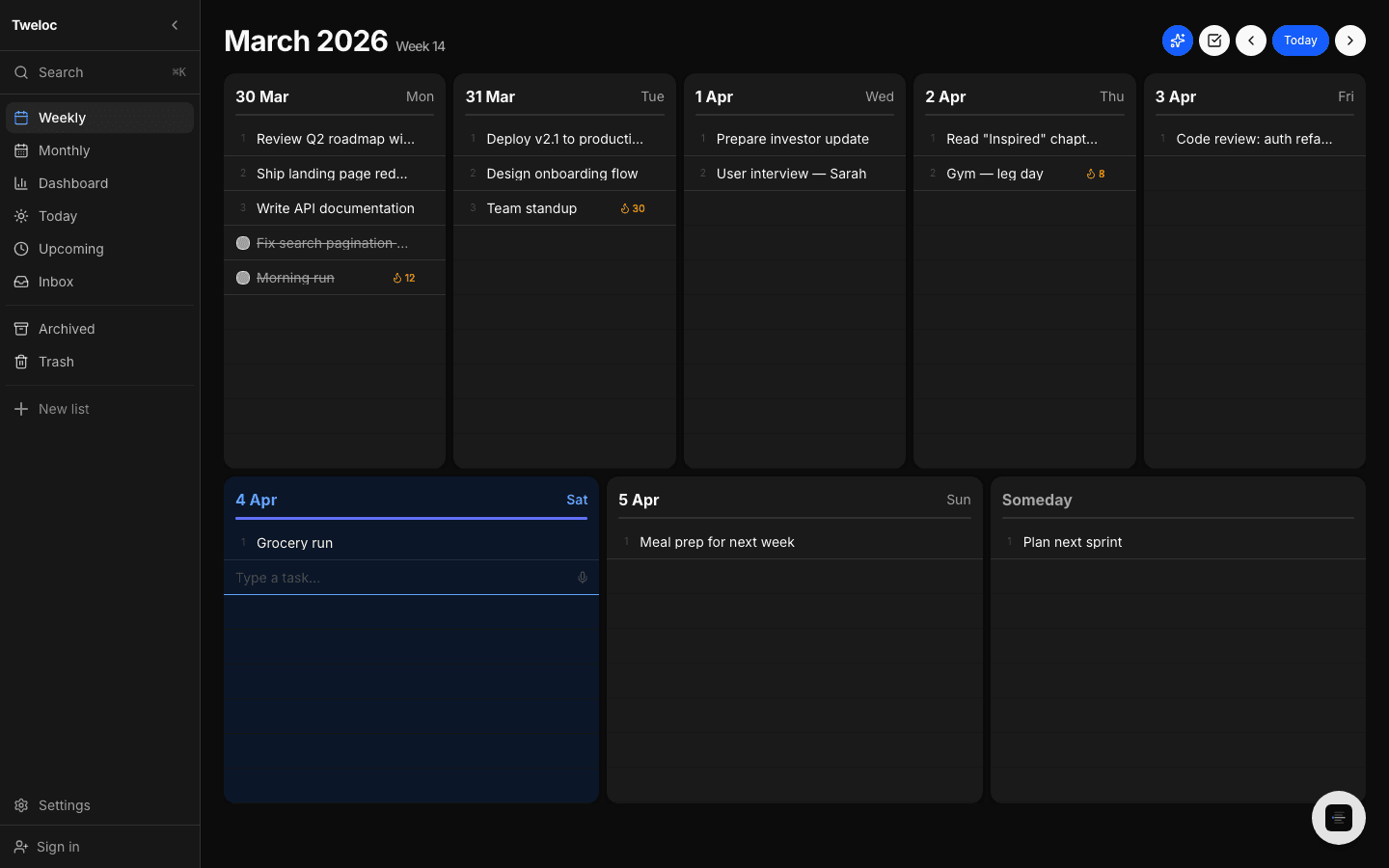
And the small stuff: natural-language search, categories, analytics, and dark mode.
Three steps. Zero friction.
Dump everything in
Type, speak, or paste your tasks into the inbox. Don't worry about when — just capture.
Lay out your week
Drag tasks onto days, or hit Auto-plan and let Tweloc spread them by priority and workload.
Complete, track, repeat
Check things off, build streaks, review your week. Ship consistently, week after week.
Loved by people who ship
“I used to spend 30 minutes planning my week. Now I dump tasks in and it's done in seconds.”
“The streak tracking alone changed my habits. I haven't missed a gym day in 47 days.”
“Finally a planner that doesn't try to be everything. It's just a great weekly view.”
Questions, answered
Everything you might want to know before you start.
Is Tweloc free?+
Yes. Tweloc is free to use. Open it in your browser and start planning your week immediately — no credit card and no trial period.
Do I need an account to use Tweloc?+
No. You can use the full app anonymously and your tasks are saved in your browser. Create a free account only when you want to sync across devices.
How does the AI weekly planning work?+
Drop tasks into your inbox and press Auto-plan. Tweloc distributes them across your week by priority and estimated workload, then you can drag anything to fine-tune the plan.
Does Tweloc work offline?+
Yes. Tweloc is a Progressive Web App that works without an internet connection and syncs your changes automatically once you reconnect.
Can I use Tweloc with AI assistants like Claude or ChatGPT?+
Yes. Tweloc exposes a Model Context Protocol (MCP) server and a REST API, so AI assistants can list, add, complete, and update your tasks on your behalf.
Is there a mobile app?+
Tweloc installs as an app on any device straight from the browser, so you get an app icon and offline access without an app store. Native iOS and iPadOS apps are coming soon.
Will Tweloc email me?+
Only if you ask it to. Both email features are off until you turn them on in Settings: a weekly review of what you got done, and a daily reminder digest covering what is due that day. You can switch either off at any time, and turning reminder emails off does not delete the reminders themselves.