Everything Tweloc does
A complete weekly planning system — and every part of it works before you ever create an account.
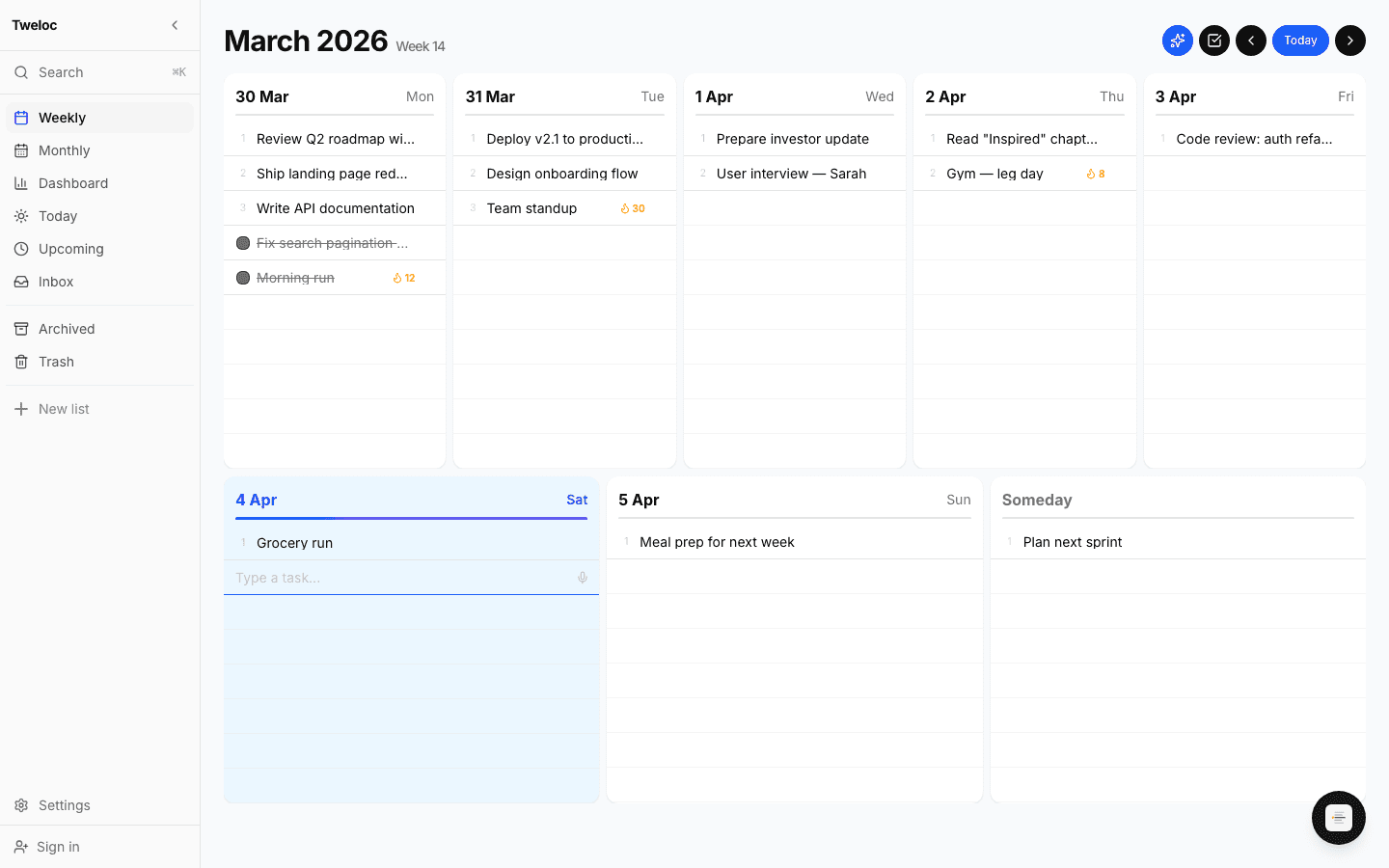
Your whole week, one screen.
Monday to Sunday in a single view. Drag tasks between days, see what's done and what's left, and re-plan in seconds when life happens.
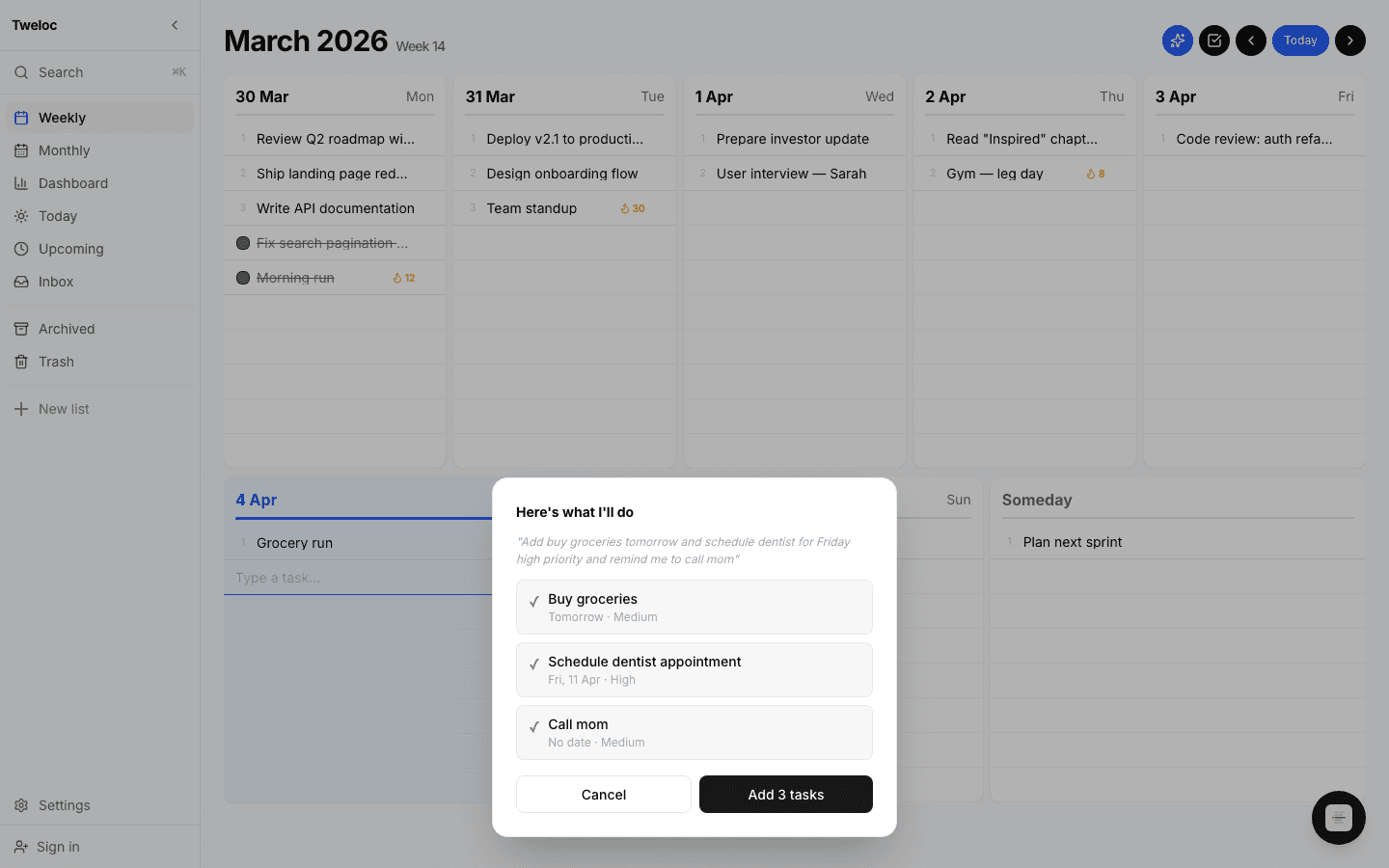
One button plans the week.
Capture everything into the inbox without thinking about when. Auto-plan distributes it across your week by priority, deadline, and workload.
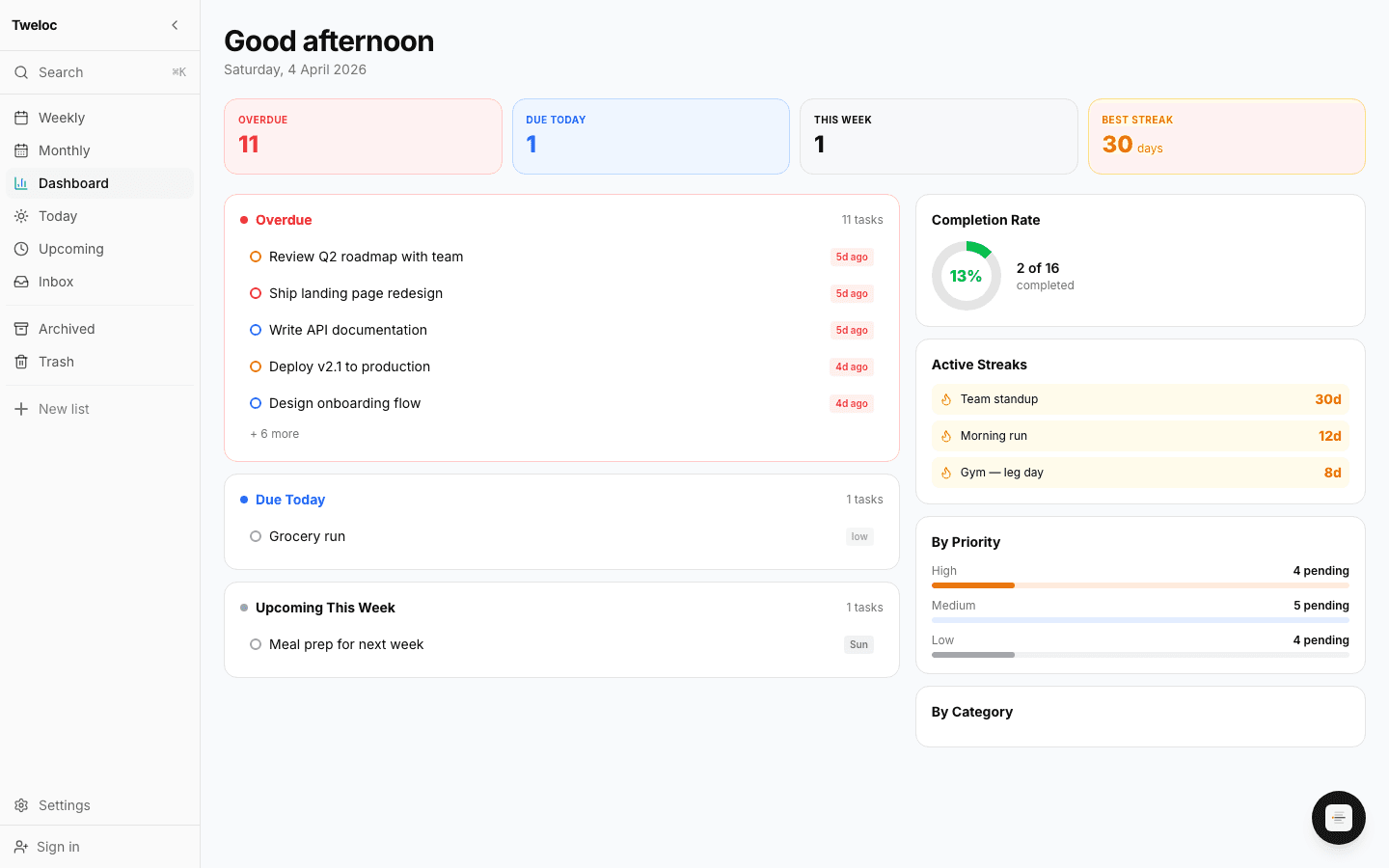
Momentum, made visible.
Daily and weekly recurring goals track themselves. The streak counter is small, but it's the reason you'll show up on day 47.
Focus Mode
A full-screen, distraction-free checklist. Add tasks and cross them off — no calendar, no clutter.
Monthly Calendar
Spot deadlines, plan ahead, and click any day to add tasks instantly.
Voice Copilot
Tap the floating button, speak your tasks, review the AI summary, and confirm.
NLP Search
"due today", "high priority", or just type — Fuse.js fuzzy matching finds it.
Categories
Color-coded folders. Filter any view by category. Syncs everywhere.
Bulk Actions
Multi-select to bulk complete, archive, delete, or change priority.
Offline First
Works fully offline with localStorage. Syncs to cloud when you sign in.
Dark Mode
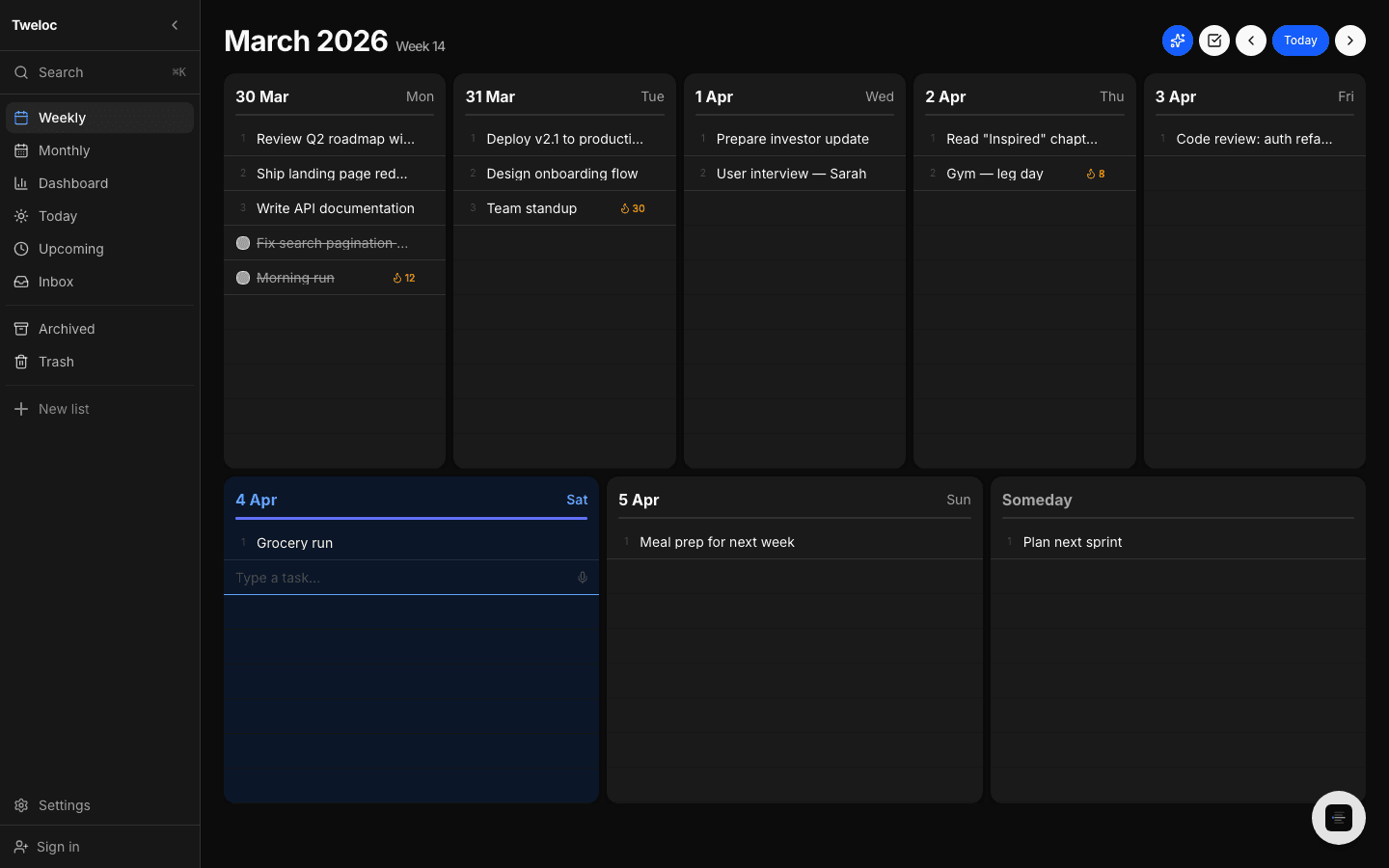
Full dark/light theme. Follows system preference or set manually.
iOS App
The same app in a native shell, never behind the web. On-device reminders and a Today widget.
Try all of it, right now.
No sign-up. Every feature above works the moment you open the tab.
Start planning free